

BLUF: A ComEd bill shows how much electricity you used, how ComEd calculates delivery costs, and what you owe for a specific billing period. You can view, pay, and manage your ComEd bill online by understanding each charge, the billing cycle, and available payment options.
This guide breaks down every section of your ComEd bill so you can avoid surprises, spot errors, and pay with confidence.
What Is a ComEd Bill?
Your ComEd bill is the monthly statement from Commonwealth Edison that details your electricity usage and related charges. Even if you buy electricity from another supplier, ComEd still sends the bill because it owns and maintains the power lines.
A typical bill includes usage data, delivery charges, supply charges, taxes, and your payment due date.
How to Read a ComEd Bill Step by Step
Understanding your bill is easier when you read it in sections. Below is a practical ComEd bill explanation you can follow line by line.
1. Account Summary
This section gives you a snapshot of what you owe and when it’s due.
- Previous balance: Amount owed from last bill
- Payments received: Credits since the last cycle
- Current charges: New charges for this billing period
- Total amount due: What you must pay
- Due date: Last day to pay without late fees
2. ComEd Billing Cycle Explained
The ComEd billing cycle is the time period during which your electricity usage is measured, typically 28–32 days.
Usage is recorded by your meter and measured in kilowatt-hours (kWh). If your bill seems higher than expected, compare the number of days in the cycle.
| Billing Element | What It Means |
|---|---|
| Meter Read Dates | Start and end of usage period |
| Total kWh Used | Electricity consumed during the cycle |
| Days in Cycle | Length of billing period |
3. Electricity Supply Charges
Supply charges cover the cost of generating electricity. You may buy supply from:
- ComEd: Default utility supply
- Alternative supplier: A third-party energy provider
ComEd lists supply charges clearly so you can see the price per kWh and total cost.
4. Delivery Charges
Delivery charges pay for maintaining power lines, substations, and customer service.
- Transmission service
- Distribution service
- Metering costs
- Customer-related charges
These charges apply regardless of your supplier.
5. Taxes and Fees
Your ComEd bill may include state and local taxes, municipal fees, and environmental surcharges.
ComEd Bill Charges Explained in Plain English
Many customers are surprised that delivery charges can equal or exceed supply costs. This is normal and regulated by state authorities.
| Charge Type | Purpose |
|---|---|
| Supply | Cost to generate electricity |
| Delivery | Cost to deliver electricity to your home |
| Customer Charge | Fixed monthly account cost |
| Taxes | Government-mandated charges |
How to View Your ComEd Bill Online
You can ComEd view bill online anytime through your account.
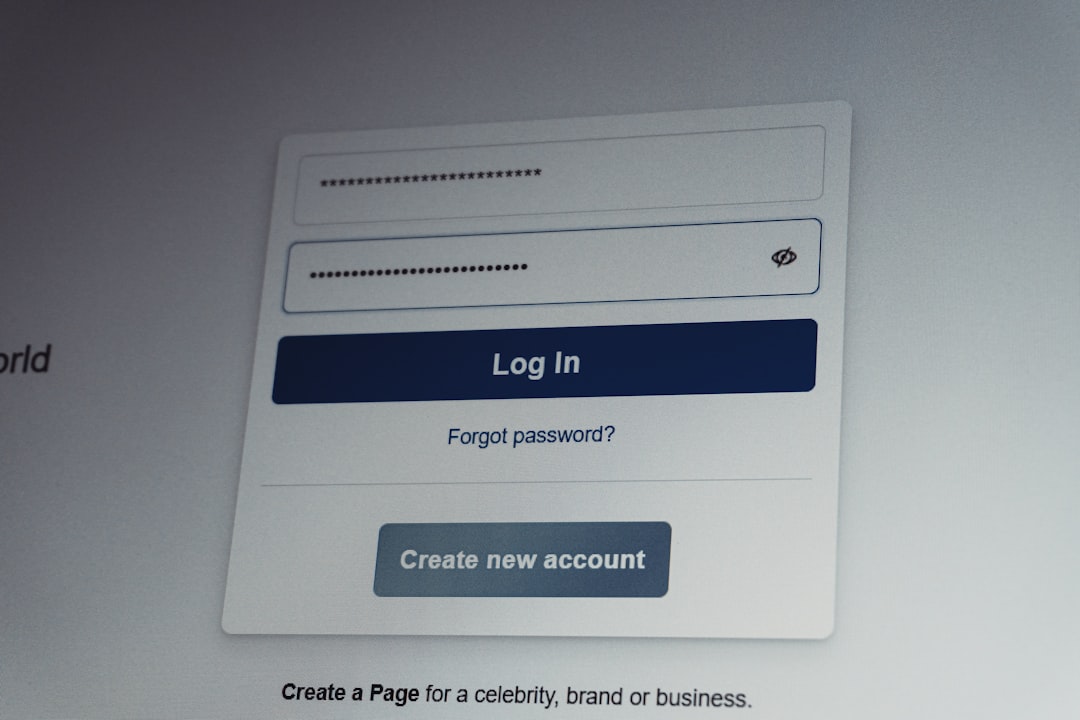
ComEd Bill Login Steps
- Visit the official ComEd website
- Select Log In
- Enter your user ID and password
- Choose Billing & Payments
- Click View Bill or Download PDF
Online access lets you review past bills, compare usage, and track payments.
ComEd Bill Pay Options
ComEd offers multiple ComEd bill pay methods to fit different needs.
- Online: Pay via bank account or credit/debit card
- AutoPay: Automatic monthly withdrawals
- Phone: Pay using ComEd’s automated system
- Mail: Send a check or money order
- In person: Authorized payment locations
Online and AutoPay options post fastest and reduce the risk of late fees.
Why Your ComEd Bill Changes Month to Month
It’s normal for bills to fluctuate. Common reasons include:
- Seasonal heating or cooling usage
- Longer billing cycles
- Rate adjustments approved by regulators
- Estimated vs. actual meter readings
Comparing kWh usage rather than dollar amount gives the clearest picture.
How to Lower Your ComEd Bill
Reducing electricity use can make a noticeable difference.
- Switch to LED lighting
- Use smart thermostats
- Unplug idle electronics
- Run appliances during off-peak hours
- Enroll in ComEd energy efficiency programs
What to Do If Your ComEd Bill Seems Incorrect
If something doesn’t look right:
- Compare usage to previous bills
- Check billing cycle length
- Verify meter readings
- Log in and review detailed charges
- Contact ComEd customer support
Addressing issues early helps avoid service interruptions.
Frequently Asked Questions About ComEd Bills
Why is my ComEd bill so high this month?
A high ComEd bill is usually caused by increased electricity usage, extreme weather, a longer billing cycle, or higher supply rates.
How do I log in to view my ComEd bill?
You can access your ComEd bill by logging into your account on the ComEd website and selecting the billing section.
Can I pay my ComEd bill online?
Yes, ComEd bill pay is available online using a bank account or credit/debit card.
What is included in ComEd delivery charges?
Delivery charges include the cost of maintaining power lines, substations, meters, and customer service.
How often does ComEd send a bill?
ComEd typically sends bills once per month based on your billing cycle.
Take Control of Your ComEd Bill Today
Understanding your ComEd bill puts you in control of your energy costs. Log in, review your charges, set up convenient payment options, and start making smarter energy decisions today.